Create Hollywood-level
transitions in minutes
Create Hollywood-level transitions in minutes
Stop outsourcing VFX work. Upload two frames and let SwiftCut generate visual assets that turn your $5K budget into a $50K deliverable.
How it works
Learn More
How it works
Learn More
How it works
Learn More
Getting started is simple.
Create your premium transition in a few clicks.
No VFX or editing experience required.

Create your premium transition in a few clicks.
No VFX or editing experience required.


1
Upload Start and End Frames
Drag-and-drop the two frames you want to create a transition between.

2
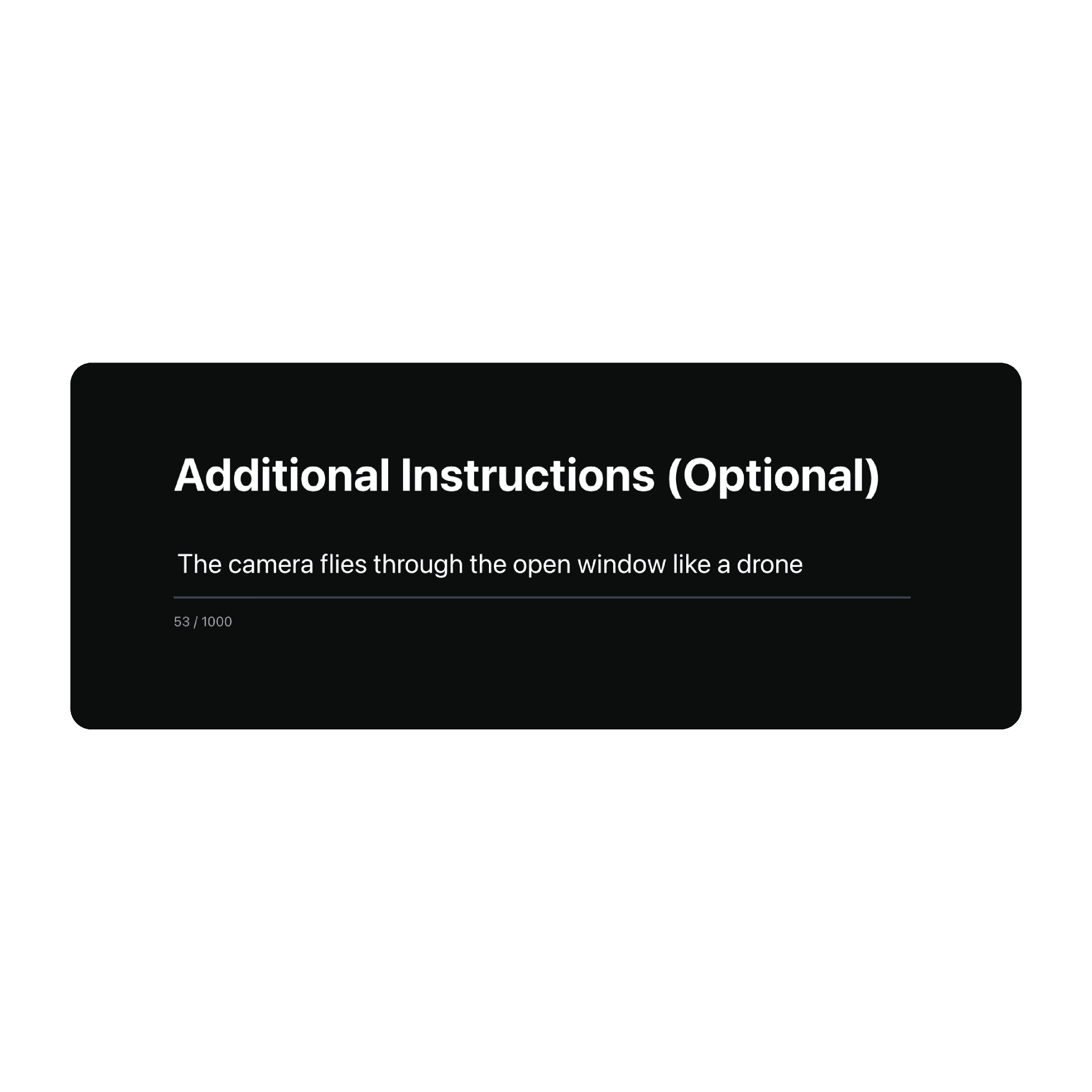
Write Your Prompt
Optional. SwiftCut works out of the box without instructions. But if you have a specific vision, this is where you tell it.
3
Click Generate
Your clip is ready to use within 2-5 minutes. Just download and import into your timeline.
Use Cases
Learn More
Use Cases
Learn More
Use Cases
Learn More
Use Cases
Use Cases
Create your premium transition in a few clicks.
No VFX or editing experience required.
Create your premium transition in a few clicks.
No VFX or editing experience required.

🪝 Visual Hooks
Stop the scroll with "impossible" cinematic transitions that morph any two shots into a high-retention, fluid visual sequence.
✨ Logo Morphs
Upgrade your brand reveals by seamlessly transforming your final cinematic shot directly into the client’s logo for a high-end finish.
👟 Product Transitions
Show one product across multiple environments by morphing the background while the subject remains perfectly locked in frame.

🪝 Visual Hooks
Stop the scroll with "impossible" cinematic transitions that morph any two shots into a high-retention, fluid visual sequence.
✨ Logo Morphs
Upgrade your brand reveals by seamlessly transforming your final cinematic shot directly into the client’s logo for a high-end finish.
👟 Product Transitions
Show one product across multiple environments by morphing the background while the subject remains perfectly locked in frame.

🪝 Visual Hooks
Stop the scroll with "impossible" cinematic transitions that morph any two shots into a high-retention, fluid visual sequence.
✨ Logo Morphs
Upgrade your brand reveals by seamlessly transforming your final cinematic shot directly into the client’s logo for a high-end finish.
👟 Product Transitions
Show one product across multiple environments by morphing the background while the subject remains perfectly locked in frame.
Pricing
Learn More
Pricing
Learn More
Pricing
Learn More
Simple pricing, no surprises.


Frequently Asked Questions
Learn More
Frequently Asked Questions
Learn More
Frequently Asked Questions
Learn More
Everything you need to know.
Got questions? We’ve got answers. Here’s everything you need to know before getting started.
Ready to simplify your workflow?
Start your free trial today and experience how effortless task management can be.
macOS Sequoia 15.0+ is recommended